EMI and Crosstalk: Diagnosing Signal Degradation in Low-Voltage Runs
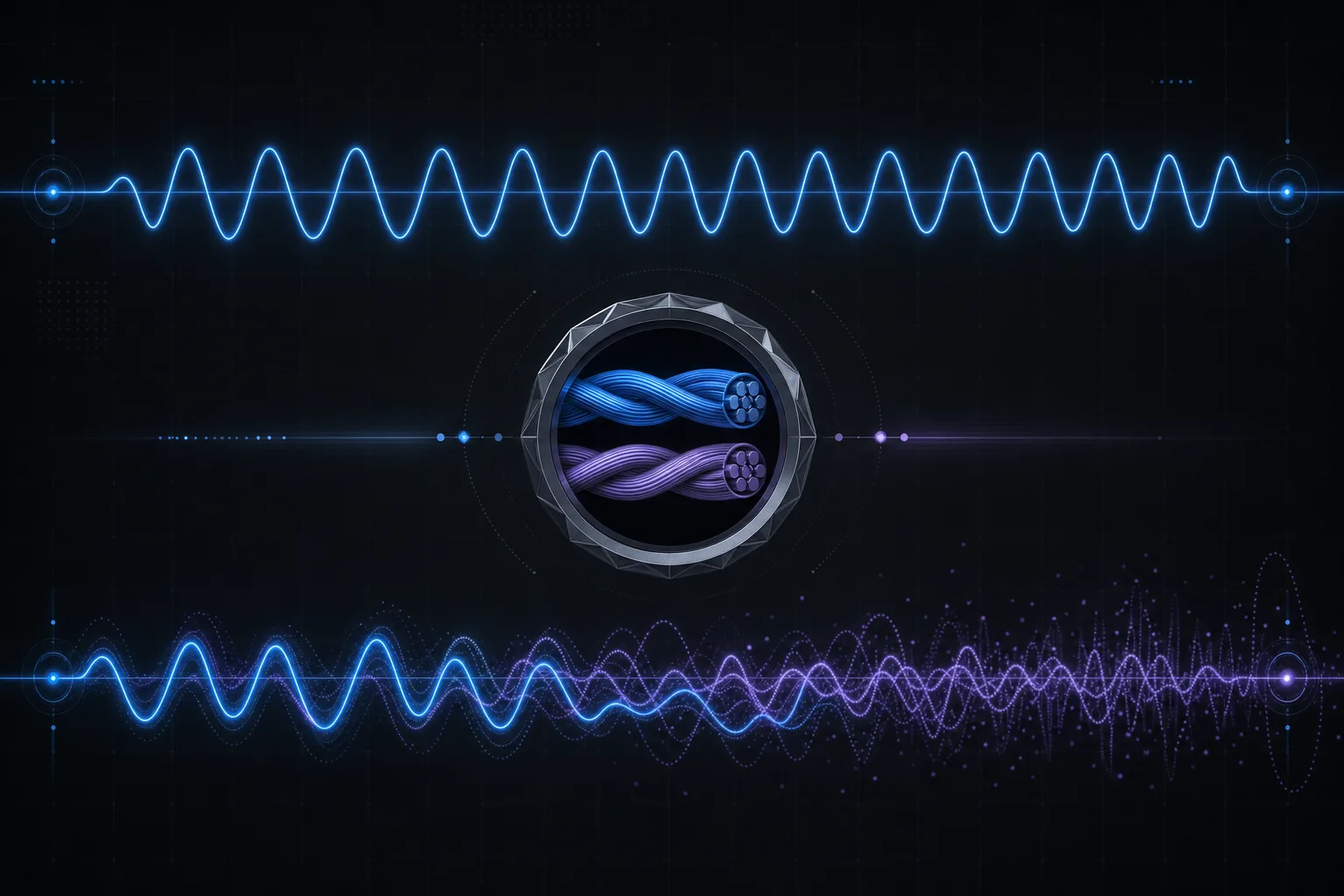
You have a camera that drops offline every afternoon at 2 PM. An access control reader that intermittently fails to read cards. A PoE device that reboots itself three times a week with no pattern anyone can identify. The hardware is fine. The software is fine. The network is fine. But the cable runs past a bank of variable-frequency drives on the third floor, and nobody thought to check.
Electromagnetic interference (EMI) and crosstalk are the invisible saboteurs of low-voltage installations. They do not cause immediate, obvious failures. They cause intermittent, maddening symptoms that waste weeks of troubleshooting when technicians look at everything except the physical layer. This article explains the physics, the standards, the diagnosis methods, and the mitigation strategies for EMI and crosstalk in commercial low-voltage cabling systems.
Common EMI Sources in Commercial Buildings
Electromagnetic interference is generated by any device that switches electrical current rapidly. In commercial buildings, the most common and most potent sources are:
- Variable-Frequency Drives (VFDs): The single worst EMI offender in most buildings. VFDs use pulse-width modulation (PWM) to control motor speed, generating broadband noise from 10 kHz to 30 MHz. This noise radiates from the VFD enclosure, the motor cable, and the motor itself. HVAC systems, elevator machinery, and industrial process equipment commonly use VFDs.
- Fluorescent and HID Ballasts: Magnetic ballasts generate 60 Hz hum and harmonics. Electronic ballasts operate at 20-50 kHz and can radiate significant EMI, especially when aging or failing. LED drivers with poor filtering can also generate conducted noise on shared electrical circuits.
- Electric Motors: Brush commutation in DC motors, starting inrush in AC motors, and the PWM drive signals in modern motor controllers all generate EMI. Elevator machine rooms are concentrated EMI zones that should be treated as exclusion areas for low-voltage cable routing.
- Electrical Switchgear and Panels: Arc flash events, contactor switching, and harmonic distortion from nonlinear loads generate transient EMI. Cable pathways that run directly adjacent to or above electrical panels are exposed to both radiated and conducted interference.
- Welding Equipment and Industrial Machinery: In manufacturing and warehouse environments, arc welders and large motor-driven machinery generate extreme broadband EMI that can affect low-voltage cabling at distances of 20 feet or more.
Crosstalk: NEXT, FEXT, and Alien Crosstalk
Crosstalk is electromagnetic coupling between adjacent copper pairs, either within the same cable or between neighboring cables. Unlike external EMI, crosstalk is generated by the signals on the cable themselves. It is the dominant performance limiter for high-speed Ethernet on copper.
Near-End Crosstalk (NEXT) is signal leakage measured at the same end of the cable as the transmitter. It is the most damaging form of crosstalk because the interfering signal is at its strongest (it hasn't been attenuated by the cable length) while the desired signal at the near end is at its weakest (it's the return signal that has traveled the full cable length). TIA-568.2-D specifies minimum NEXT loss values by frequency for each cable category; for Cat6A, the requirement is 39.9 dB at 500 MHz.
Far-End Crosstalk (FEXT) is signal leakage measured at the opposite end of the cable from the transmitter. While FEXT is attenuated by the cable length (longer cables have lower FEXT), it becomes significant in short runs where attenuation is minimal. Equal-Level Far-End Crosstalk (ELFEXT) normalizes FEXT against cable attenuation to provide a length-independent metric. Cat6A requires 23.3 dB ELFEXT at 500 MHz.
Alien Crosstalk (AXT) is coupling between separate cables in a bundle or pathway, as opposed to between pairs within the same cable. Alien crosstalk became the defining challenge of 10GBASE-T over Cat6A because 10 Gigabit signaling at 500 MHz generates sufficient energy to couple into adjacent cables. This is precisely why Cat6A cables are larger in diameter than Cat6: the additional insulation and shielding provide the alien crosstalk isolation that 10GBASE-T requires. TIA-568.2-D specifies Power Sum Alien NEXT (PSANEXT) and Power Sum Alien Attenuation to Crosstalk Ratio at the Far End (PSAACRF) for Cat6A channels.
TIA-568.2-D Performance Requirements
TIA-568.2-D is the governing standard for balanced twisted-pair cabling performance. It defines the electrical parameters that a cable, connecting hardware, and channel must meet to support specific Ethernet speeds. Understanding these parameters is essential for diagnosing performance problems:
For Cat6 (supporting up to 1000BASE-T at 250 MHz bandwidth), the critical parameters are insertion loss (attenuation), NEXT loss, PSNEXT loss, ELFEXT, return loss, and propagation delay. For Cat6A (supporting 10GBASE-T at 500 MHz bandwidth), all Cat6 parameters apply with tighter tolerances, plus alien crosstalk parameters (PSANEXT and PSAACRF) that are unique to Cat6A.
When a cable certifier reports a marginal or failing result on any of these parameters, it is telling you exactly where the problem lies. A NEXT failure at high frequencies (above 250 MHz) typically indicates a termination defect: untwisted pairs at the connector. A NEXT failure at low frequencies suggests a cable damage issue (crush, kink, or tight bend radius). An insertion loss failure means excessive cable length, too many connectors, or a cable that does not meet the manufacturer's rated performance.
TIA-569 Separation Distances from Power Sources
TIA-569 (Telecommunications Pathways and Spaces) specifies minimum separation distances between low-voltage cabling and electromagnetic interference sources. These distances apply to parallel cable runs; crossings at 90 degrees are permitted at any distance because the exposure length is negligible.
TIA-569 Minimum Separation Distances (Unshielded Cable, Parallel Runs)
| EMI Source | Power Rating | Min. Separation (No Barrier) | Min. Separation (Metal Conduit) | Min. Separation (Grounded Metal Barrier) |
|---|---|---|---|---|
| Power lines, EMT | ≤ 2 kVA | 5 inches (127 mm) | 2.5 inches (64 mm) | 0 inches (contact OK) |
| Power lines, EMT | 2-5 kVA | 12 inches (305 mm) | 6 inches (152 mm) | 0 inches (contact OK) |
| Power lines, EMT | > 5 kVA | 24 inches (610 mm) | 12 inches (305 mm) | 6 inches (152 mm) |
| Fluorescent lighting | Any | 5 inches (127 mm) | 2.5 inches (64 mm) | 0 inches |
| Motors, transformers | > 5 kVA | 48 inches (1219 mm) | 24 inches (610 mm) | 12 inches (305 mm) |
| VFDs, unshielded | Any | 48+ inches (1219+ mm) | 24 inches (610 mm) | 12 inches (305 mm) |
Field Reality Check
These are minimum distances. In practice, we recommend doubling the TIA-569 minimums when routing near VFDs and motor controllers. VFD manufacturers often recommend 6-foot separation from unshielded data cables regardless of conduit. When you cannot achieve separation due to building constraints, route the low-voltage cable in grounded steel EMT conduit for the entire length of the parallel exposure, or switch to shielded cable or fiber optic.
Shielded Cable: When It Helps and When It Hurts
Shielded twisted-pair cable comes in several configurations designated by the ISO/IEC 11801 naming convention: F/UTP (foil-screened, unshielded pairs), U/FTP (unscreened, foil-shielded pairs), S/FTP (braided screen, foil-shielded pairs), and others. F/UTP wraps all four pairs in a single foil shield. U/FTP wraps each individual pair in foil. S/FTP provides both individual pair foil and an overall braided shield, offering the maximum EMI rejection.
Shielded cable provides genuine protection against external EMI when, and only when, the shield is properly bonded to ground at both ends. An unbonded or single-point grounded shield provides zero EMI rejection at frequencies above a few kilohertz. Worse, an improperly grounded shield can act as an antenna, actually increasing EMI susceptibility compared to unshielded cable. This is why shielded cable sometimes causes more problems than it solves: the installer pulls F/UTP cable, terminates it to unshielded jacks, and never bonds the drain wire to the grounding system. The foil becomes a parasitic capacitance that degrades high-frequency performance.
Proper shielded cable installation requires: shielded jacks and patch panels with integral ground contacts, a bonded drain wire at each termination, a continuous ground path from the patch panel through the rack bonding conductor to the telecommunications grounding busbar (TGB), and from the TGB to the building's telecommunications main grounding busbar (TMGB) per TIA-607-D. If you cannot guarantee this grounding continuity end to end, use unshielded cable with proper separation distances instead. A well-installed UTP system outperforms a poorly grounded STP system every time.
Diagnosing EMI with Cable Certifiers and Spectrum Analyzers
When you suspect EMI is causing performance problems, the diagnostic approach depends on the symptoms. For Ethernet links, the switch port error counters are the first place to look. Check for CRC errors, frame errors, and input errors using the switch CLI or SNMP. A cable experiencing EMI will show error rates that correlate with the EMI source's operating schedule: errors spike when the HVAC system starts, when the elevator runs, or when the manufacturing floor is operating.
A cable certifier such as the Fluke DSX-8000 or Softing WireXpert 4500 can identify specific crosstalk and return loss deficiencies that indicate EMI problems. Run a full TIA-568.2-D certification test on the affected cable. If the cable passes all parameters but the device still malfunctions, the problem may be conducted EMI through the power supply (common with PoE devices) rather than radiated EMI through the cable.
For definitive EMI identification, a near-field spectrum analyzer or EMI probe (such as the Aaronia Spectran series or the Rigol DSA815-TG with near-field probe set) can measure the actual electromagnetic field strength along the cable path. Walk the cable route with the probe to identify the specific location and frequency of the interference source. This pinpoints the problem to a specific device or cable segment, allowing targeted mitigation rather than wholesale cable rerouting.
Common Failure Modes Caused by EMI
EMI manifests differently depending on the system type and the interference characteristics. Recognizing these patterns accelerates diagnosis:
- IP camera video artifacts: Horizontal lines, color shifts, blocky artifacts, or frozen frames that correlate with time of day or mechanical equipment operation. The camera's Ethernet PHY is receiving corrupted frames, and the H.265 decoder cannot reconstruct the damaged GOPs. Often misdiagnosed as camera firmware issues or VMS software bugs.
- Intermittent PoE resets: A PoE-powered device reboots spontaneously because EMI-induced errors on the data pairs cause the switch to renegotiate the PoE session. The PSE detects what appears to be a disconnect event and power-cycles the port. The device reboots, reconnects, and works fine until the next EMI burst. Switch logs show the port cycling between "up" and "down" states.
- Access control communication errors: RS-485 bus communication between controllers and readers is particularly susceptible to EMI because RS-485 operates at lower voltages and slower speeds than Ethernet, making it more vulnerable to noise injection. Symptoms include failed card reads, intermittent reader offline alarms, and corrupted cardholder data in the controller database.
- Ethernet link negotiation failures: A link that should negotiate at 1 Gbps repeatedly falls back to 100 Mbps. The PHY chips detect excessive errors during auto-negotiation and drop to a lower speed where the signal-to-noise ratio is sufficient. This is a classic EMI symptom that is often misdiagnosed as a cable fault or switch port failure.
Mitigation Strategies
When EMI is identified, the mitigation options are, in order of preference:
- Increase physical separation. The cheapest and most reliable solution. EMI field strength decreases with the square of the distance. Moving a cable run from 2 inches to 12 inches from a power conductor reduces EMI exposure by a factor of 36. Reroute the cable if possible.
- Route in grounded steel conduit. EMT or rigid steel conduit acts as a Faraday cage around the cable, attenuating external EMI by 20-40 dB depending on frequency and conduit wall thickness. The conduit must be grounded at both ends per NEC Article 250.
- Install ferrite chokes. Snap-on ferrite cores placed at both ends of the affected cable attenuate common-mode noise in the 1-300 MHz range. Ferrites are inexpensive and non-invasive, making them an excellent first-response tool. They will not solve severe EMI problems but can reduce marginal interference enough to restore link stability.
- Upgrade to shielded cable. Replace the affected cable run with properly grounded F/UTP or S/FTP cable. Effective but expensive for long runs, and dependent on proper grounding infrastructure being in place.
- Convert to fiber optic. The ultimate EMI solution. Fiber optic cable is completely immune to electromagnetic interference because it transmits light, not electrical signals. For cable runs that must pass through severe EMI zones (VFD rooms, elevator machine rooms, heavy industrial areas), single-mode or multimode fiber with media converters at each end eliminates the problem permanently. The incremental cost of fiber media converters ($50-$150 per end) is trivial compared to weeks of intermittent troubleshooting.
Cable Routing Best Practices Near Electrical Infrastructure
The best time to prevent EMI problems is during the design phase, not after the cables are installed. Follow these routing principles derived from TIA-569, BICSI TDMM, and two decades of field experience:
- When low-voltage cable must cross power conductors, cross at 90 degrees. Never run parallel to power for more than a few feet without maintaining TIA-569 separation distances.
- Route low-voltage cable above electrical panels, not below or alongside them. Panels radiate EMI primarily from the front and sides; the top surface is the lowest-emission zone.
- Avoid running data cables in the same cable tray as VFD motor cables. Use a separate tray or a tray with a metal divider that extends the full length of the parallel run.
- In elevator shafts, use fiber optic cable or shielded cable in steel conduit. The traveling cables, motor drives, and brake contactors in elevator shafts create one of the harshest EMI environments in any building.
- When running through mechanical rooms, maintain maximum practical distance from chillers, air handlers, and pump motors. If physical separation is impossible, use fiber for the mechanical room segment.
Conclusion: The Physical Layer Is Still the Foundation
In an industry increasingly focused on software, analytics, and cloud platforms, it is easy to forget that every IP-based security system depends on copper and glass carrying signals through real buildings with real electrical noise. EMI and crosstalk are not edge cases; they are root causes hiding behind a significant percentage of the intermittent, hard-to-diagnose problems that generate service calls and erode client confidence. The technician who can diagnose a VFD-induced PoE reset from switch port counters and a cable certifier is worth more than a dozen who can only swap hardware and reboot software.
At Zimy Electronics, we design cable pathways and select cable types with EMI mitigation as a primary consideration, not an afterthought. Zimy Electronics technicians carry cable certifiers and interpret every parameter in a TIA-568.2-D test report as standard practice. When intermittent problems arise, we diagnose the physical layer first because that is where the majority of "unexplained" failures originate. If your current integrator is chasing software ghosts while the real problem is a cable run through an elevator machine room, it may be time for a different approach.