Server Room Cable Management 101
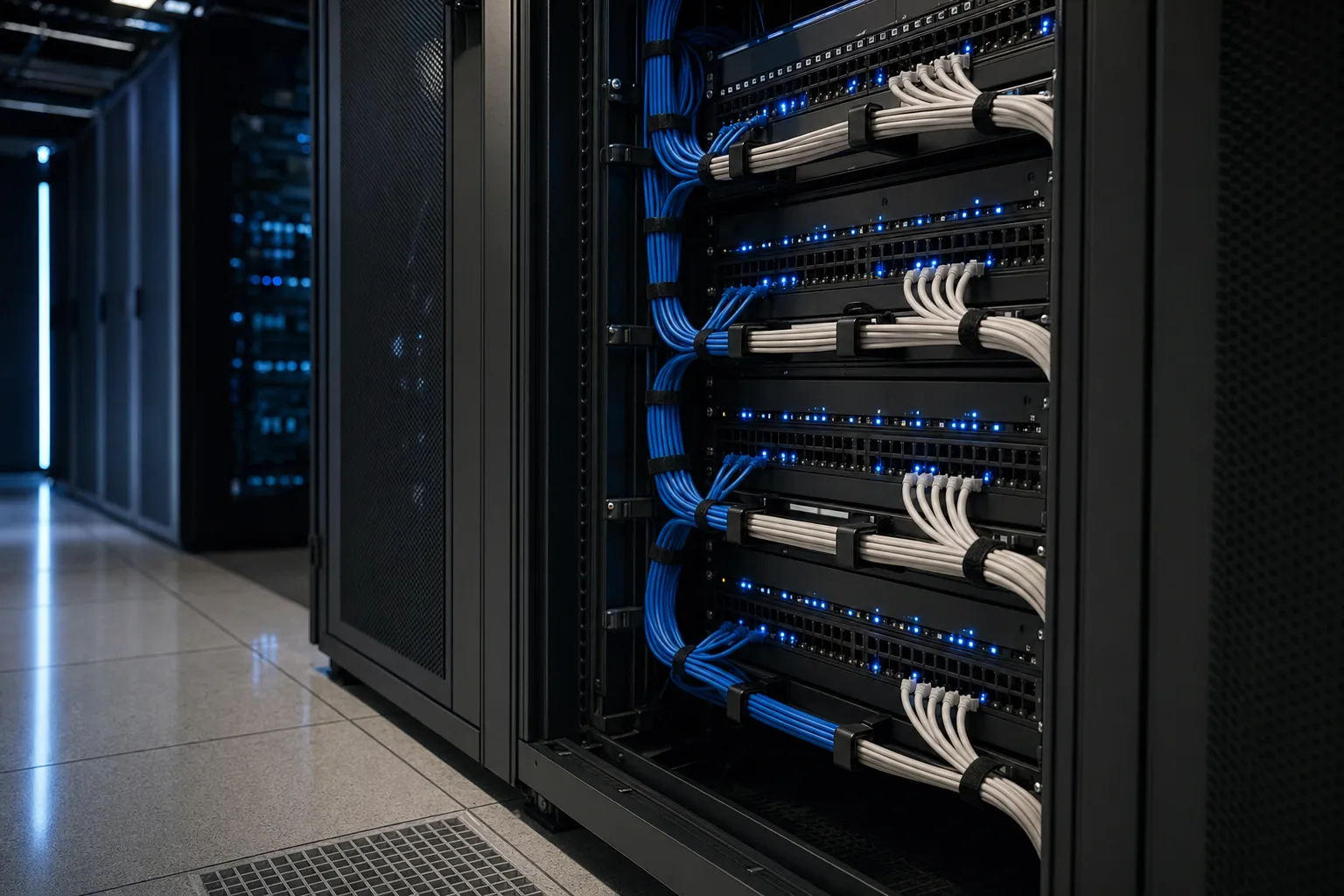
Server room cable management is often treated as an afterthought—a cosmetic issue that can be dealt with "later." But in reality, a rat's nest of cables is a significant operational risk. It restricts airflow, leading to overheating equipment; it makes troubleshooting exponentially more difficult; and it drastically increases the chances of accidental disconnections during routine maintenance.
This guide covers the fundamental principles of server room cable management, from planning your pathways to selecting the right management accessories, ensuring your infrastructure remains reliable, scalable, and maintainable.
The True Cost of Poor Cable Management
When cables are left unmanaged, they inevitably cascade over exhaust fans and block the hot aisle/cold aisle airflow design of your server room. This forces cooling systems to work harder, increasing energy costs and reducing the lifespan of your servers and switches.
Furthermore, when a switch port fails or a server needs to be replaced, tracing a single cable through a tangled mess can turn a 10-minute swap into a multi-hour ordeal. The risk of accidentally unplugging the wrong cable—potentially taking down critical services—skyrockets in these environments.
Core Principles of Cable Management
- Measure Twice, Cut Once: Always use the correct length of patch cables. Using a 10-foot cable for a 2-foot run creates unnecessary slack that has to be hidden or bundled, contributing to clutter.
- Separate Power and Data: Never run power cables and data cables parallel to each other in the same bundle. Power cables generate electromagnetic interference (EMI) that can degrade data signals, especially on unshielded copper cables. If they must cross, ensure they cross at a 90-degree angle.
- Use Velcro, Not Zip Ties: Zip ties can easily be overtightened, crushing the cable jacket and altering the geometry of the twisted pairs inside, which degrades performance. Velcro (hook-and-loop) straps are gentle, reusable, and easy to adjust when adding or removing cables.
- Color Coding: Implement a consistent color-coding scheme. For example, use blue for standard data, red for critical servers, yellow for security cameras, and green for management interfaces. This makes visual identification instant.
Essential Management Accessories
Proper cable management requires the right hardware. Every rack should be equipped with:
- Horizontal Cable Managers: Installed above or below patch panels and switches, these route cables neatly from the ports to the vertical managers. Use 1U or 2U managers with D-rings or finger ducts.
- Vertical Cable Managers: These run up and down the sides of the rack, carrying trunk cables and long patch cords between different elevations. High-density racks require wide, high-capacity vertical managers.
- Overhead Cable Trays: For routing large bundles of cables between racks or from the room entrance to the racks. Ladder racks or wire mesh trays keep cables organized and accessible.
Conclusion
Good cable management is an ongoing discipline, not a one-time project. Every time a new device is added or a connection is changed, the new cable must be routed according to the established standards. By investing the time to manage cables properly from day one, you ensure your server room remains a reliable, efficient, and safe environment for your critical infrastructure.